
How to Recover Lost Photos, Texts & Files from Your iPhone
The calm, step-by-step way to get your data back - starting with free options you already own, then when recovery software is actually worth it.
Lost photos, messages or files on your iPhone? Here is the calm, step-by-step way to get them back - starting with the free tools you already own, then when recovery software is actually worth it.
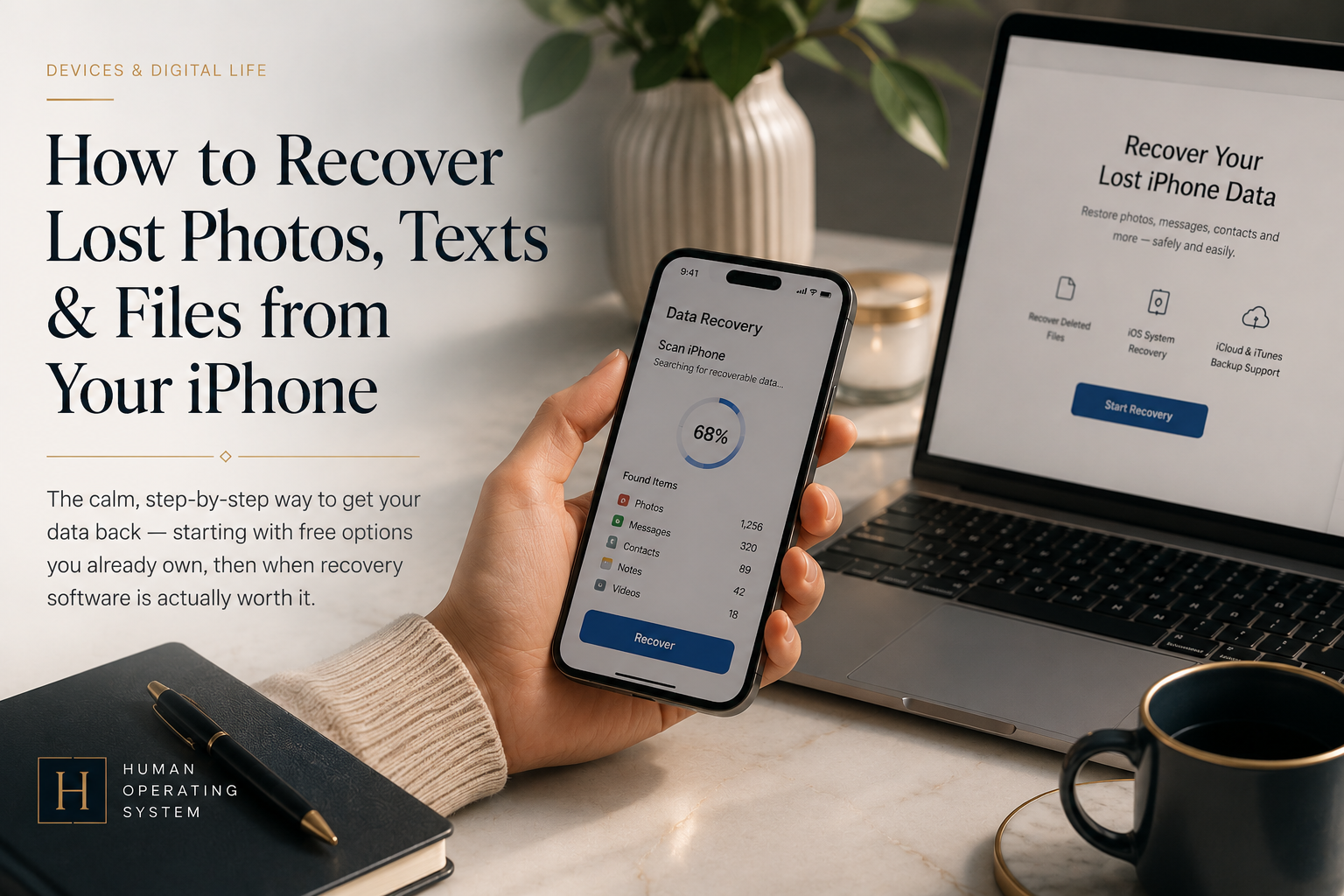
There is a specific, sinking pause that comes a second after you realise the photos are gone. Maybe you were clearing space and tapped delete on the wrong album. Maybe a thread with someone who matters is simply not there anymore. Maybe the phone went into a reboot loop, or into a sink, and now the screen will not settle. Whatever the route, you are here because something that felt safe on your iPhone is suddenly not, and you want it back.
The good news is that "deleted" on an iPhone rarely means "gone" in the first hours and days. The important news is that what you do next changes the odds. This guide walks the recovery paths in the order a careful person should try them: the free tools already on your phone first, then paid recovery software only for the cases the free tools cannot reach.
- Do this first: after losing data, avoid unnecessary activity on the phone - new photos, app installs, large syncs - while you check your recovery options. Recovery results vary, and keeping activity low is a sensible precaution.
- Try free first: check the Recently Deleted folders (Photos, Messages, Notes, Voice Memos, Files) and your iCloud or computer backups. For most everyday losses, this is the whole answer, at no cost.
- When to pay: consider iPhone data recovery software only if the item is past its Recently Deleted window, you have no usable backup, or the phone has a software problem but can still be recognised by a computer. A completely dead or physically damaged phone is a job for a professional service, not an app.
- A reasonable paid option: Wondershare Dr.Fone scans an iPhone (or an iTunes or iCloud backup) and shows you what it finds before you pay, so you can confirm your files are recoverable first. It cannot promise recovery, and no honest tool can.
- What no tool can do: guarantee recovery. Modern iPhones use encrypted flash storage, and Apple does not guarantee that permanently deleted data stays recoverable; results depend on the data type, the device's state, and your backups.
First, do no harm
Before any tool, set your expectations correctly. Modern iPhones use encrypted flash storage, and Apple does not guarantee that permanently deleted data remains recoverable. Whether you get something back depends on the data type, the state of the device, and what still exists in your backups or synced services. Because of that uncertainty, the sensible move after data loss is to avoid unnecessary activity on the phone - new photos, downloads, app installs, and large syncs - while you work through the options below. If a file matters a great deal, putting the iPhone into Airplane Mode reduces background syncing while you check. None of this is dramatic, and that is the point: a calm, low-activity response gives you the best chance the situation allows.
Free options first: the tools already on your phone
Apple builds several safety nets into iOS, and they cover a surprising share of real losses. Try these before you pay anyone.
| Where it went | Free way to get it back | Time window |
|---|---|---|
| Where it wentPhotos or videos | Free way to get it backPhotos app → Albums → Recently Deleted | Time windowKept about 30 days before permanent deletion |
| Where it wentText messages (iOS 16 and later) | Free way to get it backMessages → Edit/Filters → Recently Deleted | Time windowRecoverable for up to around 30 to 40 days |
| Where it wentNotes | Free way to get it backNotes → Recently Deleted | Time windowKept about 30 days |
| Where it wentVoice Memos / Files | Free way to get it backEach app's Recently Deleted folder | Time windowKept about 30 days |
| Where it wentA whole phone's worth of data | Free way to get it backRestore from an iCloud or computer (Finder/iTunes) backup | Time windowAs of your last backup |
Two things are worth knowing about the last row. Restoring from a backup brings back everything as of that backup, which means it can overwrite newer data and generally happens by erasing the iPhone and restoring during setup, per Apple's own instructions. So a full restore is powerful for a lost-or-replaced phone, but a blunt instrument for recovering one deleted thread while keeping everything else. Check whether you even have a recent backup first: Settings → your name → iCloud → Manage Account Storage → Backups, or open Finder on a Mac with the phone connected.
If the file is in a Recently Deleted folder, recover it there and you are done, for free. If it is past that window, or you have no backup, or the phone has a software fault a computer can still recognise, that is where the free options run out and recovery software becomes worth considering. A phone that will not power on or be recognised at all is a professional-service question, covered below.
When free options fail: what recovery software actually does
iPhone data recovery software is a desktop program for Mac and Windows that connects to your phone or reads a backup, then scans for recoverable items and lets you export them. It is not magic, and it is not an Apple product. It works within the same limits described above - results are never guaranteed on an encrypted iPhone; what an iPhone recovery tool adds is reach into places the built-in folders do not expose, and the ability to pull selected items out of a backup without doing a full device restore.
Here is how the three routes compare, so you can match the tool to your situation rather than the marketing.
| Route | Best for | Cost | Main limitation |
|---|---|---|---|
| RouteBuilt-in Recently Deleted | Best forRecent, single-item losses | CostFree | Main limitationOnly within the ~30-day window |
| RouteRestore from iCloud/ computer backup | Best forA lost, replaced, or wiped phone | CostFree | Main limitationOverwrites newer data; usually erases and restores at setup; needs an existing backup |
| RouteRecovery software (e.g. Dr.Fone) | Best forItems past the window, no backup, or a phone with a software fault a computer still recognises | CostPaid, usually after a free scan | Main limitationNo guarantee; results vary by data type and device state; iOS limits some data types; cannot read a completely dead device |
Wondershare Dr.Fone
Dr.Fone is a phone-management suite for iPhone and Android, run from a Windows or Mac computer, whose data-recovery module is built for exactly the cases above. According to Wondershare's official documentation, it scans an iPhone, iPad or iPod touch running iOS 5.0 or later (it lists support through the latest iOS/iPadOS versions and devices) and can recover 35 or more data types, including photos and videos, contacts, call history, messages and attachments, notes, Safari history, voice memos, and chats from apps such as WhatsApp. It offers three recovery sources: directly from the device (Wondershare states this can work "even if no backup is available"), from an iTunes or local backup, and from an iCloud backup, in each case letting you preview and pull out selected items rather than forcing a full restore.
The feature that matters most for a cautious buyer is the free scan. Wondershare's page states you can "see what's recoverable for free," and that a license is only required to export the files. In practice that means you can confirm your specific photos or messages are actually recoverable before you spend anything, which is the honest way to buy a tool like this. Pricing is subscription-based and Wondershare sets it per plan and region; because it changes and is often behind a checkout, verify the current price and the exact plan on the resource page below rather than trusting a number from a review.
What Dr.Fone will not do is guarantee results. Modern iPhones use encrypted flash storage, and Apple does not guarantee that permanently deleted data remains recoverable, so outcomes vary by data type, device state, and what is still held in your backups or synced services. Its device scan and system-repair modes rely on the iPhone still being recognised by the computer; a completely dead or physically damaged phone is beyond any software and needs a professional hardware or data-recovery service. It also cannot bypass a locked or encrypted phone you do not have the passcode for, and on iPhone it works within Apple's platform limits, so some data types are harder to reach on iOS than on Android. Treat any headline recovery-rate figure, from Dr.Fone or any competitor, as marketing, not a promise about your files.
Limitations and failure cases
Recovery is a game of odds, and it is fair to know when the odds are against you before you spend time or money.
- Recovery is never guaranteed. iPhones use encrypted flash storage and Apple does not guarantee that permanently deleted data stays recoverable, so results vary by data type, device state, and backups. Acting early and keeping activity low gives you the best chance the situation allows.
- No backup plus a wiped or reset phone is the hardest case; a factory reset dramatically reduces what any tool can find.
- A completely dead or physically damaged phone is beyond consumer software. If the computer cannot recognise the device at all, that is a professional hardware/data-recovery question, not an app.
- A locked or passcode-protected phone cannot be read without the passcode. Recovery software is not a lock-bypass tool.
- iCloud-only losses may need your Apple Account credentials and two-factor access; recovery software cannot get around Apple's security.
- Free scan, paid export is the standard model. Budget for the fact that seeing a file listed does not mean you have recovered it yet.
- Physical damage (water, a cracked board) can put data beyond software entirely; that becomes a professional data-recovery lab question, not an app - the same route as a device that will not power on or be recognised at all.
- I have stopped adding new data to the iPhone (photos, apps, large syncs).
- I have checked every relevant Recently Deleted folder (Photos, Messages, Notes, Voice Memos, Files).
- I have checked whether a recent iCloud or computer backup exists.
- The item is genuinely past its free recovery window, or there is no usable backup, or the phone has a software problem but is still recognised by a computer.
- I have used the tool's free scan to confirm my specific files show as recoverable, before paying.
- I have checked the current price and plan on the official or resource page today.
- I understand no tool can guarantee recovery on an encrypted iPhone, and results vary by data type, device state, and backups.
Frequently asked questions
Can you recover permanently deleted photos from an iPhone?
Can I recover deleted iMessages or texts without a backup?
Do I need to erase my iPhone to restore a backup?
Is iPhone data recovery software safe to use?
Recommended Resource
What it is: the HOS resource page for Wondershare Dr.Fone, kept current with its recovery modes, supported devices, and plans. Why we recommend it: if the free built-in options have not brought your files back, Dr.Fone's free scan lets you confirm what is recoverable before you pay - the right way to buy this kind of tool. Who it's for: iPhone owners with a real loss past the Recently Deleted window, no usable backup, or a phone with a software fault a computer can still recognise. What it won't do: guarantee recovery, read a completely dead device, or bypass a locked phone.
Disclosure: this link goes to the HOS Dr.Fone resource page, which contains our affiliate link to the merchant. If you buy through that link, HOS may earn a commission at no extra cost to you. Our conclusions are based on the evidence and are not influenced by affiliate relationships.
Open the ResourceIn short
The best iPhone data recovery is the one you never need, which is why the calm first moves matter: stop adding data, then work the free Recently Deleted folders and your backups. Those solve most losses at no cost. When a file is genuinely past those options, recovery software like Dr.Fone is a reasonable next step, especially because you can scan for free and confirm your files are recoverable before you pay. Just hold onto the honest limit underneath all of it: recovery is about odds, not certainty, and on an encrypted iPhone no tool can promise that permanently deleted data will come back.
- A. Official product documentation
- Wondershare - "Dr.Fone - iPhone Data Recovery" (Accessed 2026-08-09). Verifies: 35+ recoverable data types; three recovery sources (device, iTunes/local backup, iCloud backup); iOS 5.0 and later including latest iOS/iPadOS; free scan and preview with license required only to export. (Wondershare's own qualifier that recovery depends on data not being overwritten is noted here for the record; the article does not present that mechanic as a definitive technical explanation, per the v1.1 patch.)
- Wondershare - "Dr.Fone" toolkit overview (Accessed 2026-08-09). Verifies: Windows/Mac desktop suite with data-recovery, backup and restore, system repair, and phone transfer modules.
- HOS Resource page - Wondershare Dr.Fone (Accessed 2026-08-09). Verifies: HOS scope note that Dr.Fone handles phone data, not files on a computer, external SSD, USB stick, or SD card.
- B. Official platform (free methods)
- Apple Support - "Back up your iPhone, iPad, and iPod touch" (Accessed 2026-08-09). Verifies: iCloud and computer (Finder/iTunes) backups as the official backup/restore methods.
- Apple Support - "Recover recently deleted photos and videos" (Accessed 2026-08-09). Verifies: Recently Deleted album retention (about 30 days).
- Apple Support - "Delete and recover messages on iPhone" (Accessed 2026-08-09). Verifies: Messages Recently Deleted on iOS 16+ (recoverable for roughly 30-40 days).



Human Operating System
Human Operating System is a research-led publication about the human mind under digital pressure. We report what the evidence does - and does not - support.
About Human Operating SystemThe Weekly System
Join the launch list for one calm, research-led email about attention, memory, learning and the systems designed to hold your attention. No noise, no panic and no unsupported certainty.